A better photo comparison
Colored contacts in different lighting
The same shade can appear different beside a window, under a warm lamp or in a phone photograph. Understanding those differences helps you compare product images without mistaking camera settings for a guaranteed lens effect.
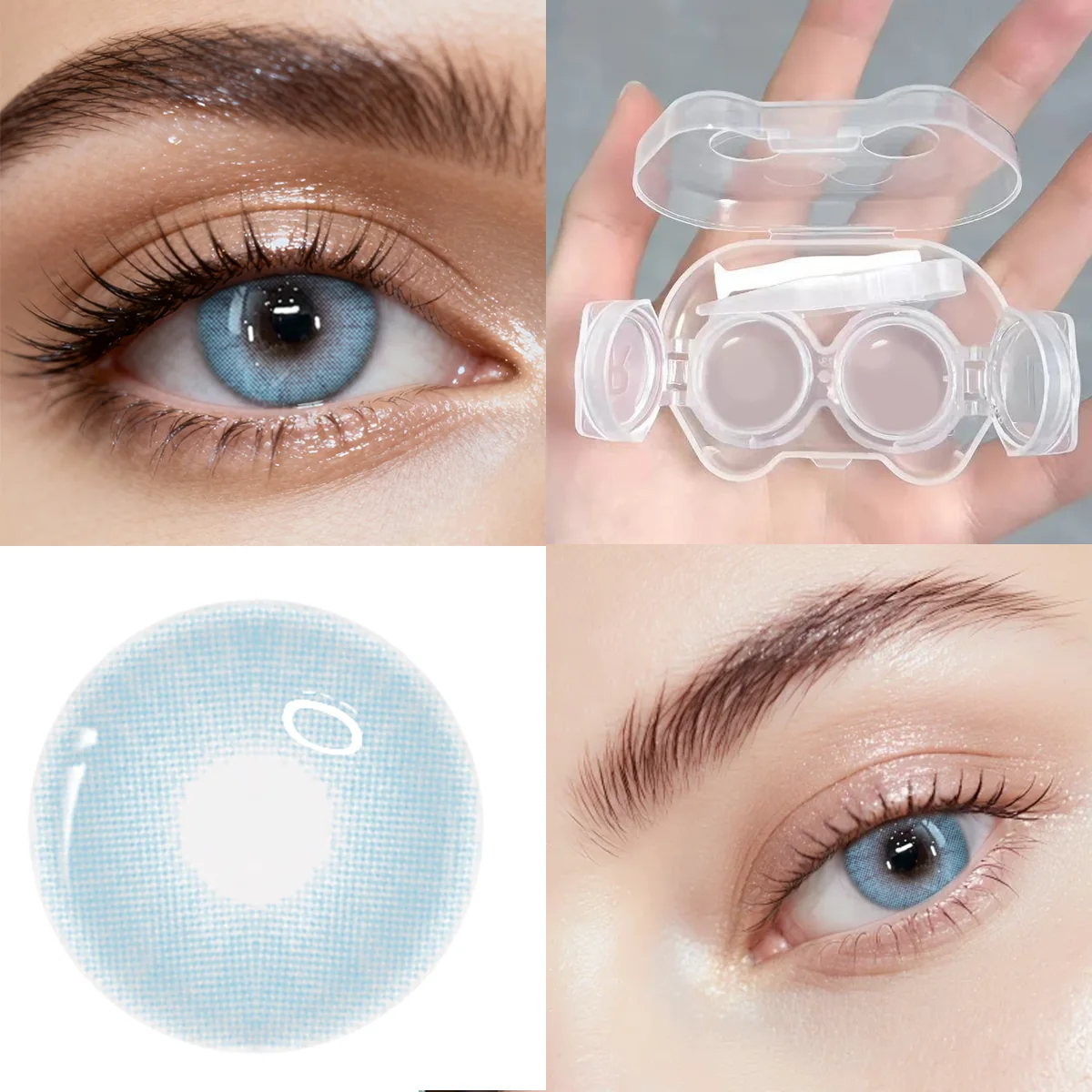
Daylight and warm indoor light
Daylight changes with the time of day, weather and whether you are in direct sun or shade. A warm indoor lamp adds another color influence. That means a blue, gray, green or hazel image photographed in one setting may not match a photo made in another setting.
Rather than deciding that one photograph shows the true color, compare images with similar backgrounds and light sources. This guide explains comparison principles; the product images shown here are not a controlled before-and-after lighting experiment.
Exposure and white balance change the photograph
A brighter exposure can reduce the apparent contrast between a colored pattern and the surrounding eye. Automatic white balance can make a warm scene look more neutral or shift a cool scene in the other direction. Screen brightness and display settings add another difference between the original photograph and what you see.
Filters and strong editing can hide the texture you are trying to compare. Look for a clear view of the lens pattern, the iris and the outer edge. Do not treat a heavily edited social post as proof that a product will look identical on your eyes.
A four-point comparison checklist
- Compare the same product rather than two differently named shades.
- Use a similar image scale; a close-up and a whole-face photo emphasize different details.
- Check the outer edge, center and printed texture as well as the overall color.
- Read the listed specifications and remember that your natural iris also affects appearance.
For a cool-shade shortlist, compare Arctic Mist Blue and Crystal Fog Gray, then read our blue-versus-gray guide. These are different products, so their photographs should not be treated as a lighting test of one lens.
Choose for the setting you have in mind
If you are planning an everyday makeup look, consider the places where you will actually be seen. For a photo session or cosplay event, lighting and the rest of the outfit also matter. Product photos can help you build a shortlist, but they cannot guarantee color, opacity, comfort or fit.
Explore natural-inspired shades or the cosplay collection once you know which details you want to compare. Confirm suitability with your eye-care professional and follow the product instructions before wearing.
Quick Answers
- Why do colored contacts look different in different photos?
The light source, exposure, camera white balance, editing, natural iris color and screen settings can all change the apparent color. Different photographs do not necessarily show a change in the lens itself. - Should I use flash to decide which contact color to buy?
Do not rely on a flash photo alone. Flash can change highlights and contrast. Compare clear product photos in similar conditions and treat every image as a reference rather than a guaranteed preview.